
 繁体中文
繁体中文 简体中文
简体中文

Smart Hardware Lifetime Improvement Tips: A Practical Guide to Extending Battery Life
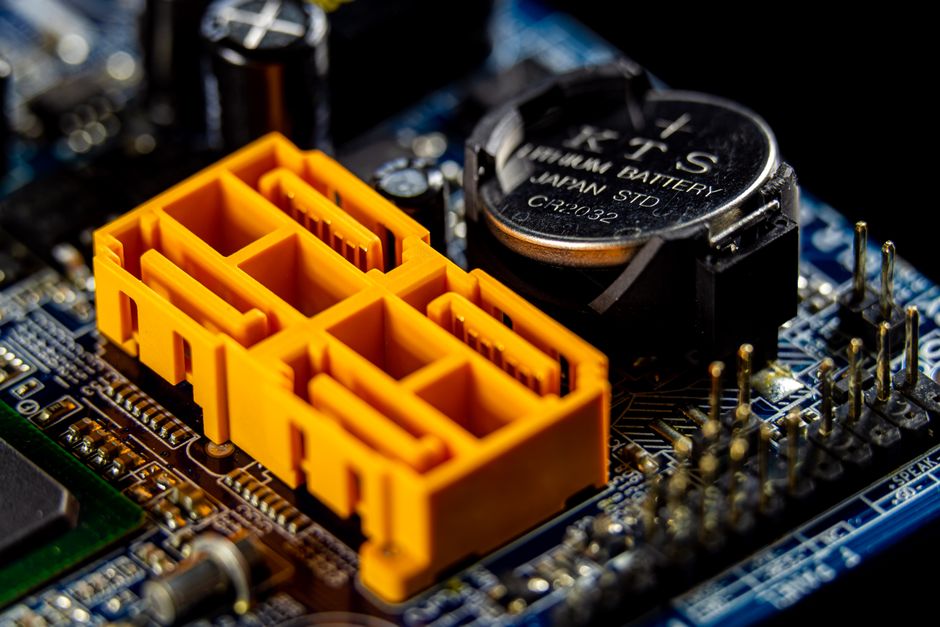
Why is the battery life of smart hardware always unsatisfactory?
Smart hardware, from smartphones and smartwatches to wireless headphones and smart home devices, has been deeply integrated into our daily lives. However, the issue of battery life has always been one of the most headache pain points for users. The progress of battery technology cannot keep up with the iteration of hardware functions, resulting in many devices struggling to survive a day under heavy use. In fact, through some scientific usage habits and settings optimization, we can significantly extend the battery life of smart hardware. This article will provide you with a series of practical tips to help you maximize the power of every mAh.
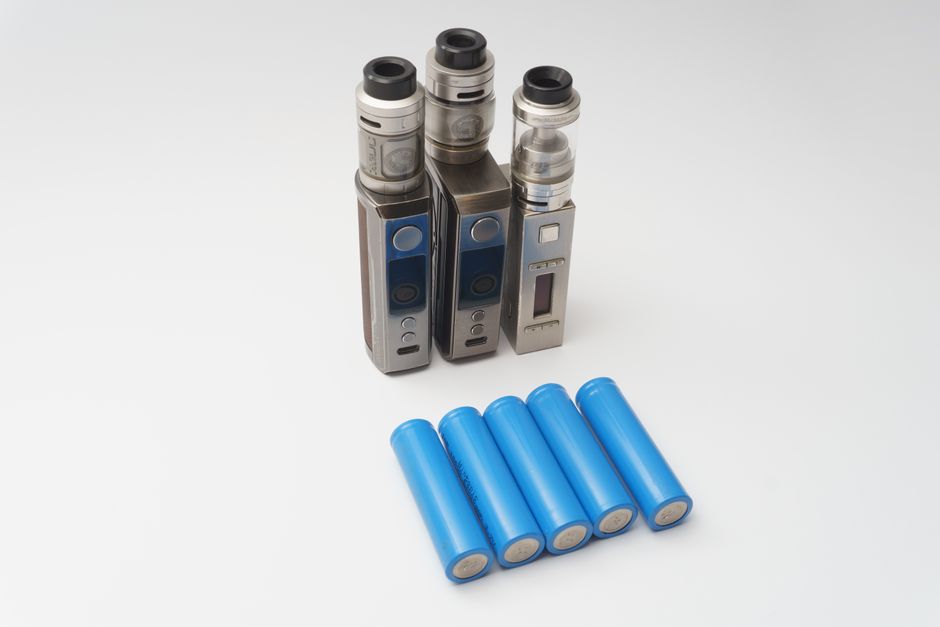
Basic charging habits: Protect the battery at the source
Avoid excessive discharge and overcharging
The optimal working range for lithium batteries (currently used by the vast majority of smart hardware) is 20% to 80%. Frequent depletion of power to 0% or maintaining 100% full charge for a long time will accelerate battery aging. It is recommended to charge in time when the power is lower than 20%, and unplug the power in time after full charge to avoid charging overnight. Although modern devices have overcharge protection, maintaining a full charge state for a long time will still cause pressure on the battery.
Use the original or certified charger.
Inferior chargers may output unstable voltage and current, damaging the internal structure of the battery. Be sure to use the original charger of the device or an officially certified third-party product to ensure charging safety and efficiency.
Control the charging temperature
High temperature is the invisible killer of batteries. When charging, avoid placing the device on a bed or car with poor heat dissipation in the sun. If you find that the device is overheating during charging, unplug it immediately and charge it after cooling.
System settings optimization: make power consumption smarter
Adjust screen brightness and sleep time
The screen is a big power consumer. Adjust the screen brightness to the automatic adjustment mode, or manually set it between 40-60%. At the same time, shorten the automatic sleep time (such as 30 seconds or 1 minute) to avoid wasting power when the screen is on for a long time.
Manage background applications and push notifications
Many applications refresh frequently in the background, consuming power. Enter the system settings and turn off the background refresh permission of infrequently used applications. At the same time, streamline push notifications, keep only notifications of important applications, and reduce unnecessary wakes.
Enable power saving mode
Power-saving mode is built into almost all smart hardware. Turn it on when the battery drops below 30% or when you need to extend battery life. Power-saving mode typically reduces processor performance, limits background activity, and reduces screen brightness, resulting in significantly longer battery life.
Disable unnecessary wireless connections
Bluetooth, Wi-Fi, NFC, GPS and other functions should be manually turned off when not in use. These wireless modules continuously scan for signals and consume considerable power. For example, turn off GPS when positioning is not needed; turn on airplane mode or turn off Wi-Fi when sleeping.
Application and function management: reducing unnecessary power consumption
Identify major power consumers
Check battery usage in System Settings to find the apps that consume the most power. You can force stop or uninstall power-hungry apps that are not commonly used. For example, some social apps consume power in the background even when they are not open.
Restrict location services
Many apps require location permissions, but not all are worth granting. In privacy settings, change the location permissions to "during use" or "never" to prevent apps from continuously obtaining location in the background.
Use dark mode
For devices with OLED or AMOLED screens, dark mode can significantly reduce power consumption because black pixels do not emit light. Enable dark mode in settings to extend battery life.
Regularly update systems and applications
Manufacturers will optimize battery management algorithms through system updates to fix power consumption bugs. Keeping systems and applications up to date helps improve battery life.
Hardware maintenance and usage habits: Extend battery physical life
Avoid extreme temperature environments
In addition to charging, daily use should also avoid exposing the device to high temperatures (such as car dashboards) or low temperatures (such as sub-zero environments). Extreme temperatures can permanently damage battery capacity.
Utilize smart battery protection
Some devices offer battery health management features, such as optimizing charging (learn your charging habits and suspend charging to more than 80%) or limiting the maximum charge (such as limiting it to 85%). Turn on these features to extend battery life.
Periodic full discharge and recharge
Although lithium-ion batteries do not need to be "activated", fully discharging (to 0%) every other month (or following the manufacturer's recommendations) can help calibrate the meter and make the battery display more accurate.
Pay attention to battery expansion
If you find that the device shell is raised or the battery is swollen, you should stop using it immediately and contact the after-sales service to replace the battery. The expanded battery has a safety hazard and cannot be used any longer.
Exclusive tips for different smart hardware
Smartphone
- Turn off the live wallpaper and haptic feedback.
- Use Wi-Fi instead of cellular data, especially when the signal is weak.
- Regularly clean the cache and uninstall unused apps.
smartwatch
- Reduce the screen normally on time or turn off the normally on display.
- Reduce notification alert types and keep only important notifications.
- Turn on airplane mode during sleep (if sleep monitoring is not required).
Wireless earphones
- Turn off active noise cancellation (when not needed).
- Use single-ear mode (if supported) alternately.
- Store properly in the charging case to avoid excessive discharge.
Smart Home Devices
- Adjust the sensor sensitivity to reduce false triggering.
- Use smart sockets to regularly power off to avoid standby power consumption.
- Select a low-power communication protocol (e.g. Zigbee is better than Wi-Fi).
Battery Replacement and Recycling: The Final Solution
When the battery health of the device drops below 80%, or when it is obvious that the battery life is seriously shrinking, consider replacing the battery. Many devices support the official battery replacement service, and the cost is relatively reasonable. After replacement, the device will be restored to its new state. In addition, used batteries should be properly recycled and cannot be discarded at will to avoid polluting the environment.
summarize
Extending the battery life of smart hardware is not difficult, the key is to develop good habits and make good use of system functions. From charging habits, system settings to application management, every detail can add up to a significant battery life improvement. Regular maintenance of battery health can not only contribute to environmental protection, but also save the cost of replacing equipment. I hope the tips in this article can help you make smart hardware accompany you longer.
 Skype
Skype demo@admin.com
 400-12345-67890
 13988889999